Scheduling and no-shows · 8 min read
Syncing your calendar with Google Calendar: pros and risks
October 19, 2026 · Equipo Teser
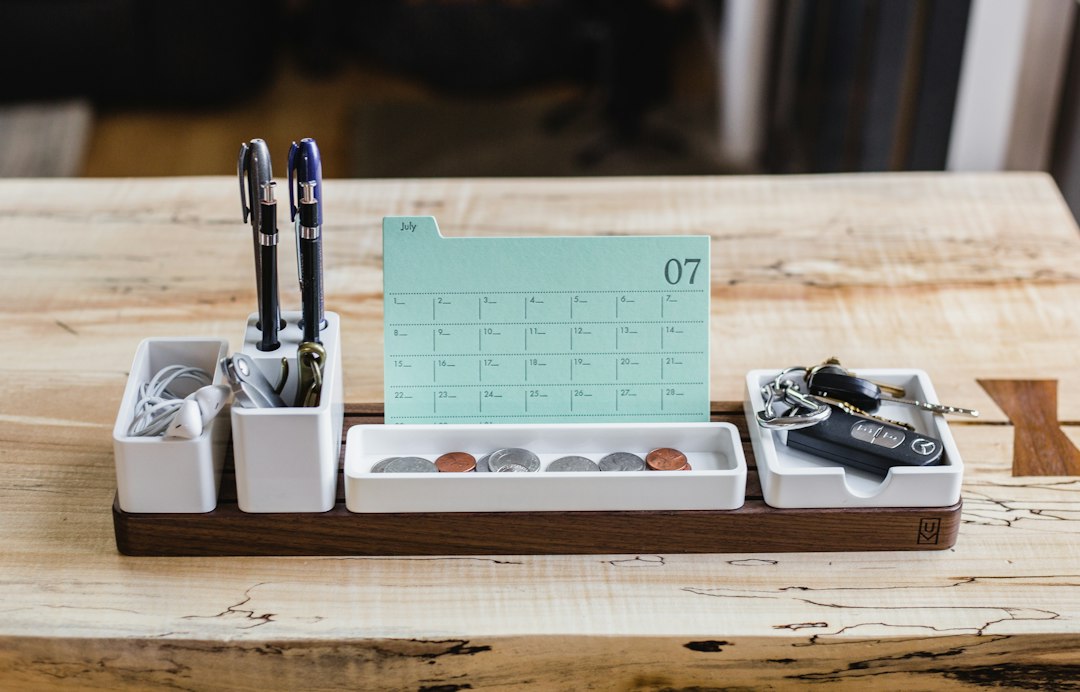
You keep the studio schedule in a notebook, your phone has the WhatsApp notifications, and Google Calendar is open on your laptop "just in case". A client books through Instagram, you jot it down on your phone, you forget to add it to Calendar, and two weeks later you show up at the studio thinking you have the afternoon free. You don't: there's a cover-up session at 5 pm that you wrote down a month and a half ago.
This is the real problem behind "syncing with Google Calendar": it isn't a technical question, it's about having a single source of truth for your time. Let's look at what your studio gains by connecting your online booking with Calendar, where the real risk lies (it isn't the one you think) and how to set it up so it works without you having to keep watch over it.
Why a tattoo artist needs more than a notebook (and more than Calendar alone)
Google Calendar is free, you know it and you have it on your phone. That's why many self-employed tattoo artists use it as their main calendar: you create the event by hand when you confirm an appointment over WhatsApp, add the name and the time, and that's it. It works as long as you have few appointments and a single calendar.
The problem appears in three very specific situations in this trade:
- You work with booking deposits and quotes, and you need the appointment to block itself as soon as the client pays, not when you find a gap to enter it by hand.
- You share a studio with another artist or rent a booth, and each of you has your own calendar... until someone books the same slot without knowing.
- You receive enquiries through several channels (Instagram, WhatsApp, web form) and end up with the same appointment noted in two places, or outright duplicated.
This is where real syncing comes in: it's not about "manually entering" appointments into Calendar, but about an online booking system (like the one Teser includes) creating the event automatically, with the client's details, the service and the real duration of the session, and sending it to your Google Calendar without you touching anything.
What you gain when your calendar and Calendar talk to each other
The immediate advantage is avoiding double bookings, but there are more benefits you'll notice day to day:
You see your schedule from anywhere. Calendar is on your phone, your tablet and your laptop. If the event is created correctly from the start, you don't need to open another app to know whether you have a gap on Thursday.
You block real time, not just the start time. A 4-hour tattoo isn't a point on the calendar, it's a block. If syncing is set up properly, the event takes up the full 4 hours plus the cleaning and setup buffer you've defined (15-30 minutes is typical between long sessions). That way you won't get an enquiry for 3 pm when at 2 pm you're still cleaning your equipment.
You get reminders without thinking about it. Calendar sends you a notification an hour before, or the day before, depending on how you configure it. For a tattoo artist who works alone and has nobody to remind them of appointments, this saves real scares.
You share your calendar without sharing passwords. If someone manages reception for you or you have a partner in the studio, each of you sees the same up-to-date calendar, without forwarding screenshots over WhatsApp every time a new appointment comes in.
A simple calculation: if you spend 10 minutes a day reconciling your schedule between your phone, the notebook and Calendar, that's about 3 hours a month. It isn't direct money, but it's time you don't bill, and it usually gets squeezed in at the end of the day, when you're already tired from tattooing.
Where the real risk lies (and it isn't the one you're being told about)
Many people in the industry are afraid of Google Calendar because of GDPR: "can I put a client's name and phone number in there?". It's a legitimate concern but a misplaced one. The real risk isn't that, it's something else:
Relying on a manual sync that fails. If the connection between your booking site and Calendar isn't automatic and native, but something you do by copying and pasting, the system breaks as soon as you have a busy day. Syncing is only worthwhile if it's truly automatic, without you having to "remember" to do it.
Two calendars that don't know about each other. If you use Calendar for your personal life and a different calendar for the studio, and you haven't unified them, you're back to square one: double bookings, this time between your dentist appointment and a client.
Health data in the calendar event. Here there is a serious data protection issue. If you write in the event description that the client has an "allergy to black ink" or details from their history, you're putting health data into a tool that isn't designed to handle it with the safeguards GDPR requires. The right approach is for the Calendar event to hold the bare minimum (name, time, service) and for sensitive data to live in a studio management system, not in the description of a Google event.
Syncing that only goes one way. Some systems send bookings to Calendar but not the other way around: if you manually block a slot in Calendar because you're going on holiday, that block isn't reflected in your online booking calendar and a client can still book that date. This happens more often than it seems and is the number one cause of ghost appointments that then have to be cancelled by hand, which makes a bad impression.
How to set it up so syncing doesn't create more work than it saves
If you decide your studio needs this connection, there are a few minimum conditions it has to meet for it to be worthwhile:
- Two-way sync. What happens in your booking calendar is reflected in Calendar and vice versa. If you block a day in one, it's blocked in the other.
- Real service duration, not just the start time. The system has to know that a large tattoo takes 4 hours and block that entire time, not just mark the 10 am start.
- Minimal data in the visible event, sensitive data elsewhere. Name, time and type of service in Calendar; allergies, consent forms and medical history in the studio management system.
- One calendar per artist if several of you work in the same space. Each tattoo artist needs to see their own calendar and, at the same time, the studio needs an overall view of the booths in use.
Teser is designed for exactly this: when a client books online and pays the deposit, the appointment is created automatically with the right duration, syncs with your Google Calendar in both directions, and the client's health data is stored in the studio management system, not loose in an event description. If you work with other artists, each one has their calendar connected and you see the whole picture without having to ask who has a gap on Friday.
What to ask yourself before deciding if it's worth it
Not every studio needs the same level of syncing. Before setting anything up, ask yourself these questions:
- How many appointments do you handle per week? If it's fewer than 10 and you work alone, Calendar managed well by hand may be enough for you.
- Do you receive bookings through more than one channel? If so, you need everything to converge automatically in a single calendar, because by hand it's only a matter of time before one slips through.
- Do you share a studio or booths? Syncing stops being a convenience and becomes necessary so you don't step on each other's toes.
- Do you charge a deposit online? If you do, you want the confirmed payment to block the appointment on its own, without you having to go in and mark it.
One calendar, zero surprises
Google Calendar is neither the problem nor the solution on its own: it's just one piece. The real problem is having your appointment information scattered across several places that don't talk to each other. The solution is a single, automatic source of truth that is reflected wherever you need to see it, without duplicating work or risking a double booking that costs you a client and a lost afternoon.
If the notebook, the phone and the Calendar that don't add up sounds familiar, try Teser for free and set up your calendar once and for all with real syncing, deposits that block the slot automatically and your clients' data where it belongs.
Cover photo by Jeff Sheldon on Unsplash.